
Plants invest heavily in robot arms, tooling, and vision systems, then bolt on whatever HMI the integrator happens to have on the shelf. That's backwards. The interface an operator touches every shift determines training time, error rates, and how fast someone catches a problem before it becomes 200 scrapped parts.
This guide covers what HMI actually means in robotics, how it relates to PLCs and SCADA, the types available today, and where AI is taking the technology next. Get the HMI setup right, and it shows up in uptime, safety records, and ROI on the whole cell.
Key Takeaways
- Operators rely on HMI to monitor, control, and program robots and connected equipment from one interface layer
- GUI, HMI, and SCADA overlap but differ in scope: machine-level control versus facility-level oversight
- AI-assisted simulation is cutting robot programming timelines from weeks to days
- The right HMI setup directly affects training time, error rates, and plant-floor safety
- Predictive maintenance dashboards are shifting HMIs from reactive alarms to proactive alerts
What Is a Human-Machine Interface (HMI) in Robotics?
An HMI is the hardware and software layer that lets a person talk to a robotic system. Plain and simple.
Rockwell Automation defines an HMI as the user interface connecting operators to machines and processes, delivering real-time visualization, control, and diagnostics. It takes machine data (status, alarms, sensor readings) and turns it into something a human can read at a glance. An operator's touch, click, or button press becomes a signal the machine can act on.
HMI and PLC aren't the same thing:
- The PLC is the brain: it runs the logic, reads inputs, and fires outputs
- The HMI is the face: it shows what the brain is thinking and lets you tell it what to do
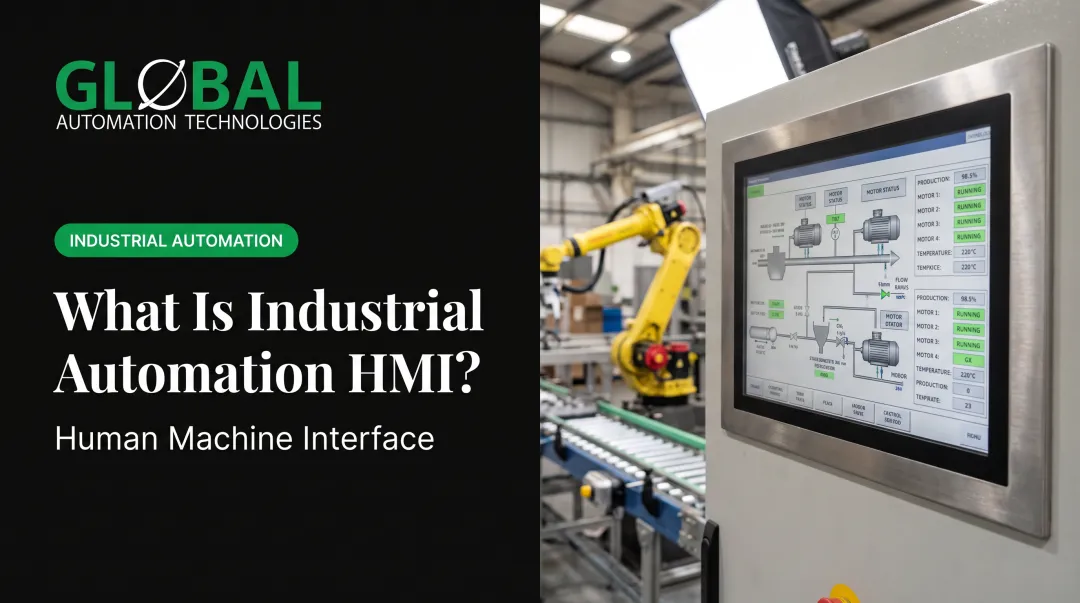
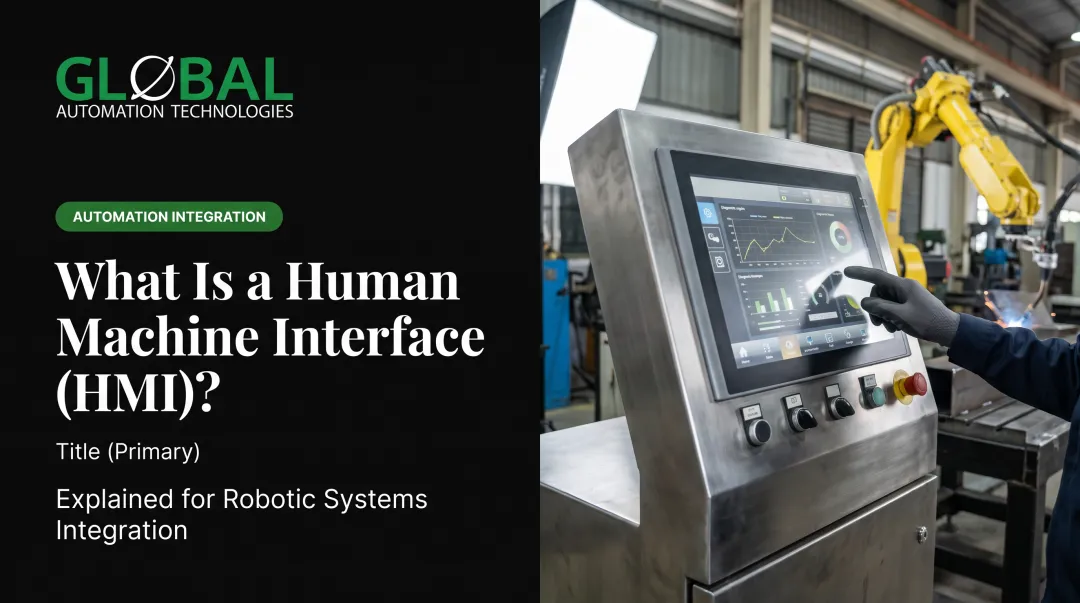
An HMI can be as basic as a single red e-stop button or as advanced as a multi-screen touchscreen dashboard running live 3D visualizations of robot paths.
Common Components of an HMI System
Most robotic cells use a mix of these:
- Physical controls — start/stop buttons, selector switches, emergency stops
- Touchscreen panels — centralized dashboards showing cell status, alarms, and production counts
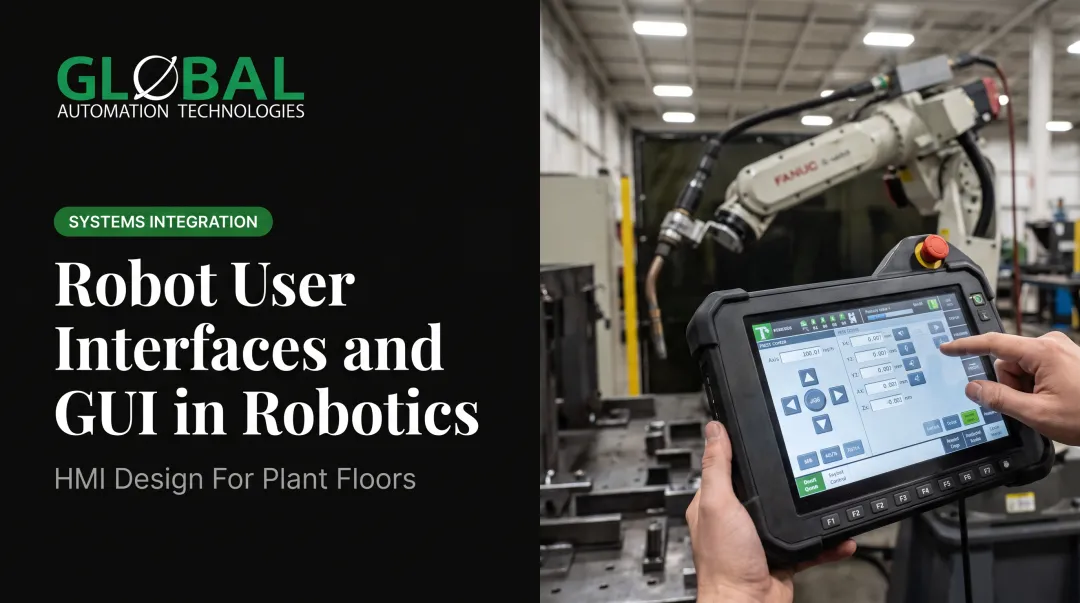
- Teach pendants — handheld devices for jogging and programming the robot directly
- Mobile/web-based HMIs — browser or app access letting supervisors check cell status from a tablet without walking the floor

How HMI Differs From GUI and SCADA
These three terms get used interchangeably, which causes confusion during equipment specs and RFQs.
A GUI (graphical user interface) is any graphical way to interact with software — a design method, not an industrial control scope. Your smartphone has a GUI. So does an HMI touchscreen. But not every GUI is an HMI.
An HMI is the operator-facing interface on a machine or cell. It shows status, accepts commands, and sits at the equipment level—usually a panel or industrial PC tied to one process.
SCADA sits above HMI. AVEVA describes HMIs as subsets or components of SCADA systems. SCADA is the broader supervisory architecture managing multiple machines or processes across a facility, often pulling data from several PLCs and RTUs at once.
A simple way to picture it:
| Level | Example |
|---|---|
| GUI | Smartphone app or desktop software interface |
| HMI | Touchscreen panel on a single robotic welding cell |
| SCADA | System overseeing an entire body shop with 40 welding cells |

That said, this isn't a rigid rule. Some HMI platforms scale from single-machine use up to plant-wide visualization, so the line blurs in practice.
Types of HMI Used in Industrial Robotics
The right type depends on the job, the operator, and the budget. Common categories include:
- Hardware buttons and switches: simple start/stop/e-stop functions, no screen required
- Robot teach pendants: handheld devices for manual jogging and programming; FANUC's iPendant Touch, for example, adds multi-window displays and 4D views of tool paths, frames, and safety zones
- Third-party touchscreen panels: centralized control for an entire cell, ranging from 4-inch to 22-inch screens depending on the vendor
- Web/mobile GUIs: HTML5-based interfaces that adapt to any screen size, often licensed by simultaneous connections rather than per device
- Voice and gesture control: emerging touchless options for sterile or hazardous zones; production deployments are still limited

Most robotic welding, painting, and dispensing cells that GLOBAL Automation Technologies integrates use a combination of pendant, panel, and PLC-linked controls tailored to the specific process.
Why HMI Design Matters: Core Benefits for Manufacturers
A cluttered or confusing HMI costs money in ways that don't show up until months later.
Faster training, less reliance on scarce talent. Rockwell reports a case where converting tasks into AR-based work instructions cut training time by 30%, with one team producing 80 training videos in a single day. Intuitive dashboards mean new operators reach competency faster, which is critical when skilled controls talent is hard to find.
Fewer errors in high-mix production. Clear visual layouts reduce the chance an operator misreads a status or clicks the wrong sequence, especially when switching between multiple part programs on the same line.
Better safety visibility. HMIs can display hazard zones, active alarms, and safety-zone status. OSHA notes that automatic mode should activate safeguards and prevent operator exposure. The HMI is often where operators see that status in real time.
Catching defects before they move downstream. In dispensing and sealing applications, real-time vision inspection and flow monitoring validate bead width, placement, and continuity before a part continues down the line. In painting cells, integrated machine-vision inspection and film-build control support similar catch-it-early workflows.
Equipment health visible before failure. GLOBAL Automation Technologies, a top-tier Level 5 FANUC Authorized System Integrator, builds AI-driven predictive maintenance assessments into its engineered robotic systems and surfaces those flags on the HMI, so teams can act before unplanned downtime hits production schedules and maintenance budgets.

How AI Is Reshaping Robotic HMIs
AI is making robotic HMIs smarter about what they show and when.
Simulation is compressing programming timelines. GLOBAL uses AI-assisted simulation tools during system integration, modeling and optimizing robot programs before a single line of code runs on the plant floor. That shift moves programming timelines from weeks to days and reduces commissioning surprises. Siemens reports similar gains. Its Process Simulate platform can validate workcells against real controller code before production, and the company cites a 25% reduction in robot-programming time using this approach.
Augmented reality overlays carry that guidance onto the floor. Automation World has documented Siemens' AssistAR technology highlighting components and workflow steps through AR glasses, layering live machine data onto the equipment an operator is looking at so faults and next steps are visible in context.
Predictive alerts before a fault hits. Traditional HMIs wait for a threshold to trip before firing an alarm. Newer AI-driven interfaces are starting to surface recommendations, flagging a trend before it becomes a fault. This is still an emerging area, and vendor-reported figures should be read as exactly that: vendor-reported, not independently verified benchmarks.

Choosing the Right HMI Setup for Your Robotic Cell
There's no universal answer here. The right setup depends on a few concrete factors:
- Application complexity: a simple pick-and-place cell needs less than a multi-step painting line with color-change logic
- Operator skill level: a plant with rotating temp labor needs simpler, more guided screens than one with a stable, trained crew
- Budget: hardware buttons cost little; custom touchscreen GUIs cost more but pay back through reduced errors and downtime
- Space and I/O requirements: a combined HMI-PLC unit can save panel space; a separate system may offer more flexibility for future expansion
A few questions worth asking before you spec anything:
- Does this cell need standalone control, or will it eventually connect into a plant-wide SCADA view?
- How many operators will touch this HMI, and what's their current skill level?
- What quality or safety data absolutely needs to be visible in real time?
- Who's handling training when the system goes live?
This is where working with an experienced integrator pays off. GLOBAL Automation Technologies handles layout, programming, validation, and training as part of turnkey deployment, engineering the HMI into the complete cell rather than bolting it on as an afterthought.
Frequently Asked Questions
What does HMI stand for?
HMI stands for Human-Machine Interface: the hardware and software layer that lets an operator monitor, control, and communicate with a robotic system or connected equipment.
How is HMI different from SCADA and GUI?
A GUI is any graphical interface, industrial or not. An HMI is built to control a specific machine or cell. SCADA sits above that as the facility-level system supervising multiple machines or processes, often with HMIs as operator touchpoints.
Do operators need special training to use an HMI?
Most modern HMIs use touchscreen layouts with clear graphics, so basic operator training is usually enough. Complex cells may need extra time on alarms, recipes, and recovery procedures.
What's the difference between a teach pendant and an HMI panel?
A teach pendant is a specific type of HMI focused on jogging and programming a robot manually. HMI panels typically serve broader monitoring, alarm, and production-control functions for the whole cell.
Can an HMI control multiple robots at once?
Some advanced HMIs and cell controllers can manage multiple robots or peripherals from one interface. Many industrial HMIs, though, are built for a single cell or machine.
Do I need a custom HMI for my robotic cell?
Standard panels handle plenty of straightforward applications just fine. Custom HMIs earn their cost when a process needs tailored dashboards, specific alarms, or detailed quality data: think multi-step painting or dispensing cells with tight tolerances.