
Introduction
You just took delivery of a new industrial robot. The crate is open, the arm is bolted down, and the plant manager wants it running parts by Friday. Now what?
Industrial robot programming is the process of giving a robot the instructions, positions, and logic it needs to perform a task reliably, over and over, without a human guiding every move.
This guide is written for beginners in manufacturing—from automotive to heavy industry—where downtime is expensive and precision isn't optional.
We'll cover what robot programming actually means, the four main methods used on plant floors today, a step-by-step workflow for beginners, the mistakes that cause the most rework, and when it makes sense to call in outside help.
TL;DR
- Robot programming defines positions, motions, and logic; running a finished program is a different skill.
- Four main methods: teach pendant, offline simulation, lead-through demonstration, and AI-assisted programming.
- Follow a clear path (plan, choose method, program, test, deploy, monitor) instead of jumping to the pendant.
- Biggest beginner risks: brand-specific languages, skipped planning, and unplanned floor debugging.
What Is Industrial Robot Programming?
Industrial robot programming is the act of inputting motion paths, target positions, and task logic into a robot's controller so it can execute a manufacturing operation with repeatability. According to ISO 8373:2021, a robot "task program" is simply a set of instructions defining the intended task for a robot or robot system.
The goal is consistent, safe, automated motion: a weld run 10,000 times the same way, or a part picked and placed with no one directing each move.
Three terms get mixed up constantly:
- Programming — creating or editing the motion paths, points, and logic
- Operation — running a robot that's already been programmed (pressing start, monitoring output)
- Automation programming — the broader PLC/software logic that coordinates conveyors, sensors, and multiple machines around the robot
Robot programming is narrower than general automation programming. A PLC engineer might handle the whole cell's sequencing, while the robot program itself only governs what the arm does: where it moves, how fast, and which auxiliary functions (grippers, welders, sprayers) fire along the way.
Methods of Industrial Robot Programming
Manufacturers pick a programming method based on task complexity, how much downtime they can tolerate, and the skill level of the people on the floor. One thing catches almost every beginner off guard: FANUC's TP/KAREL, KUKA's KRL, and ABB's RAPID are not interchangeable. A program written for one brand has to be rebuilt, not just ported, for another.
Teach Pendant Programming (Online)
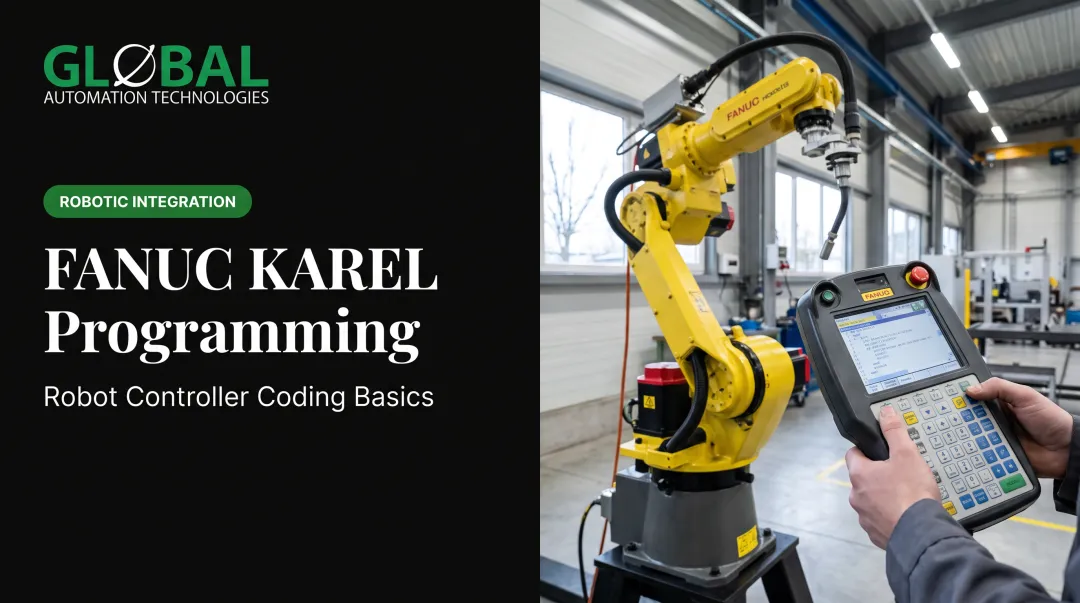
The operator uses a handheld pendant to physically jog the robot to each position, saving points one at a time to build the program.
What to know:
- Intuitive: you see exactly where the robot will go
- Precise for fixed points
- Happens inside the cell, so the cell can't run production while you program it
This makes teach pendant work best for simple tasks with infrequent changes, not high-mix production.
Offline Programming and Simulation
You build and test the program in a virtual environment (a digital twin of the robot and workcell) before ever touching the physical machine. Programs and updates can be developed while the real robot keeps running production, which is the single biggest advantage over pendant work.
ABB has stated that virtual simulation and commissioning workflows can reduce commissioning time by up to 80%. That's a general manufacturer claim rather than a guaranteed result for every project, but it points to why offline simulation has become the default for complex parts and high-mix, low-volume lines.
One caution: virtual cells rarely match physical reality down to the last fixture and clamp. Plan to validate on the real robot before full production, even after simulation testing.
Lead-Through (Demonstration) Programming
An operator physically grabs the robot arm and guides it through the motion by hand. It's common with collaborative robots and is frequently used in painting and coating applications, where a skilled sprayer's hand-guided motion becomes the program itself.
Limitations to know:
- Any wobble or hesitation in the human's motion gets baked into the program
- Reach and payload constraints limit which tasks are practical; few collaborative robots handle very large parts
- Precision-critical zones often need slower or restricted linear motion
AI-Assisted Programming
AI and machine vision compare a CAD model against the real part or scene, then auto-generate trajectories and adapt paths when the part doesn't match the model exactly.
In one documented example, an IFR-hosted welding case showed a three-seam setup programmed in 10 minutes with AI and machine vision versus 1 hour 35 minutes using a traditional pendant, roughly 10 times faster. That's a specific example, not an industry-wide average, but it illustrates where the technology is headed.
GLOBAL Automation Technologies, a top-tier Level 5 FANUC Authorized System Integrator, uses AI-assisted simulation to model, test, and optimize robot programs before any code runs on the production floor. On FANUC-based systems in environments like automotive body shops and heavy equipment lines, that approach can cut programming time from weeks to days.

The Robot Programming Process: A Step-by-Step Beginner Workflow
Regardless of which method you choose, following a structured sequence prevents the rework cycles that eat up beginner projects.
Step 1: Define the Task and Plan the Motion
Before touching any pendant or software, map out the positions, sequence, and constraints. Physically act out the task by hand if you can — it exposes reach problems and collision points long before they become expensive mistakes.
Step 2: Choose the Right Programming Method and Platform
Match the method to the job:
- Fixed, simple, low-change task → teach pendant
- Complex or frequently-changing parts → offline simulation
- Collaborative or finishing application → lead-through
- Variable parts needing adaptive paths → AI-assisted tools
Available downtime and part volume should drive this decision, not just familiarity with one tool.
Step 3: Create the Program
How you build the program depends on the method:
- Teach pendant: jog the robot and save points
- Code-based: write manufacturer-specific motion and logic
- Offline / digital twin: place points with point-and-click simulation
Step 4: Test and Debug
Do as much of this as possible in simulation or at reduced speed. Debugging on a live production robot at full speed is where unplanned downtime and near-misses happen.
Step 5: Deploy to Production
Before running at full rate:
- Clean up the cell and remove test fixtures
- Connect upstream and downstream equipment
- Run verification cycles at reduced speed
- Confirm safety zones and interlocks are active
Step 6: Monitor, Collect Data, and Refine
Programming is not set-and-forget. Review cycle time and error logs on a set cadence. Small path tweaks often cut seconds per cycle, which compounds across thousands of parts per shift.

Where Robot Programming Is Applied and What Affects Its Complexity
Programming work is not limited to initial setup. It shows up in core production processes and again at several points in a cell's life.
Common Applications Across Manufacturing
Robot programming supports nearly every production task:
- Welding: structural joints, body-shop seams, and heavy-equipment fabrication
- Machine tending: CNC loading, press tending, and injection molding cells
- Material handling and palletizing: pick-and-place, part transfer, and end-of-line stacking
- Painting and dispensing: spray finishing, seam sealer, and adhesive application
- Inspection: vision checks, dimensional verification, and in-line quality gates
The same skill set returns at predictable lifecycle points: new line commissioning, product changeovers, retooling, and recalibration after maintenance.
Key Factors That Affect Programming Outcomes
A few variables consistently decide how smoothly a programming project goes:
- Part and process variability: a fixed, repetitive task programs far faster than high-mix, low-volume work
- Brand and language differences: skills and code do not transfer cleanly between FANUC, KUKA, ABB, or Staubli systems
- Sensor and vision integration: adds setup complexity but improves adaptability to part variation
- Operator skill and training time: directly affects how fast a system reaches full production
Common Beginner Mistakes and When to Bring in Expert Help
The first misconception to drop: programming doesn't always mean writing code. Offline simulation, lead-through, and AI-assisted tools require little to no traditional coding.
The most costly beginner habit is skipping the planning step entirely and jumping straight into teach-pendant jogging. According to IFR General Secretary Susanne Bieller, programming and integration together account for 50-70% of a robot application's total cost, far more than the hardware itself. Underestimating that cost and skipping planning to save time upfront usually backfires.
Other patterns worth watching for:
- Code rarely transfers between robot brands; plan to reprogram from scratch on a different platform
- Debugging takes longer than most beginners expect, which is why teams simulate before touching the physical robot
- Simulation is not final validation; virtual and physical cells can differ, so real-cell checks still matter
When an in-house team lacks the bandwidth or experience to hit a launch date, most manufacturers bring in outside help rather than delay the project.
GLOBAL Automation Technologies supplies both the robotic system and the engineers to run it across three distinct offerings: automation solutions (turnkey robotic integration), engineering services (GLOBAL's own engineers placed on customer contracts), and technical staffing (contract or direct-hire robot programmers and controls engineers recruited into customer roles) when internal teams need to fill a gap fast. Because the same organization designs the system, it also knows what skills it takes to run it—and that shortens the learning curve. You can connect with GLOBAL's team directly if a launch timeline is at risk.
What Beginners Should Prioritize
Choosing the right method matters more than mastering all four. Factories that don't stop need programming approaches built to minimize downtime and rework, not a beginner trying to prove they can hand-code everything from scratch.
Frequently Asked Questions
What programming language do industrial robots use?
Most manufacturers use proprietary languages — FANUC's TP/KAREL, KUKA's KRL, ABB's RAPID, and Staubli's VAL3. Python and C++ are increasingly used for AI-driven and vision applications layered on top of these controllers, but they haven't replaced the native languages.
Is it hard to program an industrial robot?
Traditional programming can be tough for beginners due to brand-specific languages and required training. Offline simulation and AI-assisted tools lower that barrier by cutting down on manual coding.
What are the main methods of programming industrial robots?
The four primary methods are teach pendant (online), offline programming/simulation, lead-through/demonstration, and AI-assisted programming.
What is the difference between online and offline robot programming?
Online programming happens directly on the physical robot, which means the cell can't run production during that time. Offline programming happens in a virtual simulation and is only uploaded once validated.
How long does it take to learn industrial robot programming?
Basic teach-pendant skills can be picked up in days. Mastering a brand-specific language or complex offline programming typically takes months of hands-on practice, even for trained engineers.
Do beginners need a coding background to program industrial robots?
A coding background helps for text-based languages like KRL or RAPID. Teach pendant, lead-through, and AI-assisted methods require little to no traditional programming knowledge.