
Many manufacturers struggle with exactly this: confusing pendants, cryptic error codes, and interfaces that require a specialist just to change a program. This guide covers the main types of robot UI and HMI, why teach pendants still dominate the plant floor, and where GUI design is headed as AI moves into the picture.
Key Takeaways
- Robot UI is the full operator-to-controller communication chain; HMI is the device they actually touch
- Teach pendants remain standard, but touchscreen GUIs are closing the gap fast
- Poor interface design drives more errors, longer training, and higher safety risk
- AI-assisted simulation compresses robot programming from weeks to days
What Is a Robot User Interface (and How Is It Different from HMI)?
Robot UI is the entire interaction chain: every device, screen, and piece of software that turns a human command into robot motion, and every piece of robot feedback that comes back as human-readable information. It's the full loop, not one box.
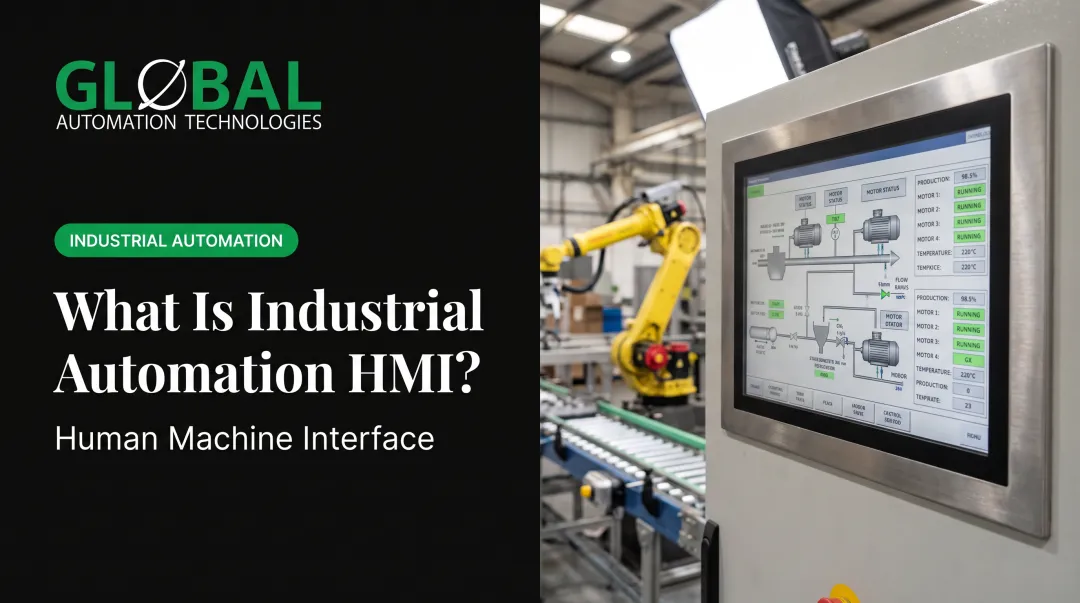
HMI, by contrast, is the specific touchpoint where that interaction physically happens. Think console, teach pendant, or tablet. Per Robotnik's definition, an HMI is the control interface enabling communication between a user and a robotic system. It's a subset of UI, not a synonym for it.
GUI is narrower still. It's the visual layer—icons, dashboards, touch targets—that replaces raw text commands with graphics. Per ISO 9241-161, a GUI covers visual elements presented by software, independent of the input device.
How operators use these interfaces varies. Most industrial setups fall somewhere on this spectrum:
- Offline programming — the entire robot path is built and simulated on a PC before anything runs on the floor
- Continuous teleoperation — an operator drives the robot in real time, constantly
- Interactive autonomy — the robot runs tasks independently but hands control back for exceptions, such as a bin-picking cell that pauses for confirmation on ambiguous parts
Types of Robot User Interfaces Used in Industrial Automation
Industrial robot cells use several interface types, each matched to a different job on the floor—from teach pendants at the cell to browser dashboards in the control room.
Teach Pendants and Handheld Controllers
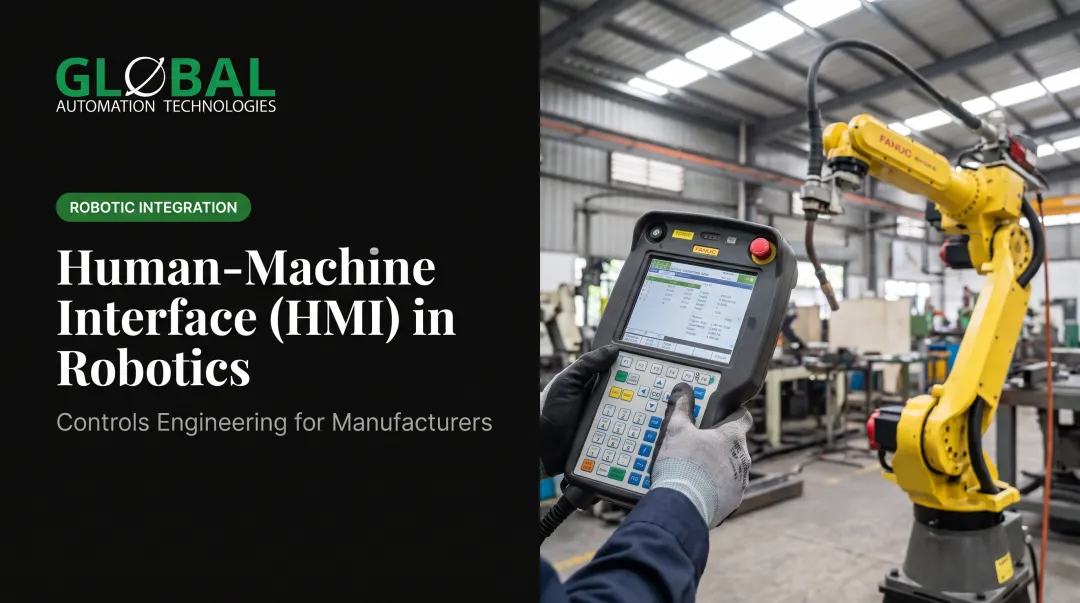
Teach pendants are still the primary on-floor interface for jogging, recording points, and editing programs. Every major brand has its own version: FANUC's iPendant, ABB's FlexPendant, KUKA's smartPAD, and Yaskawa's Smart Pendant.
These aren't the clunky black-and-white boxes from a decade ago. Modern pendants pack in:
- Color touchscreens — ABB's FlexPendant for OmniCore uses an 8-inch capacitive multi-touch display
- Ruggedized housings — KUKA's smartPAD carries an IP54 rating and survives a 1.5-meter drop
- 4D visualization — FANUC's iPendant Touch shows tools, frames, safety zones, and paths in a layered view
- Internet connectivity — remote diagnostics, backups, and software updates over the plant network
GLOBAL Automation Technologies works primarily on FANUC platforms as a Level 5 FANUC Authorized System Integrator, so pendant familiarity across welding, painting, dispensing, and material handling cells is part of daily project work.
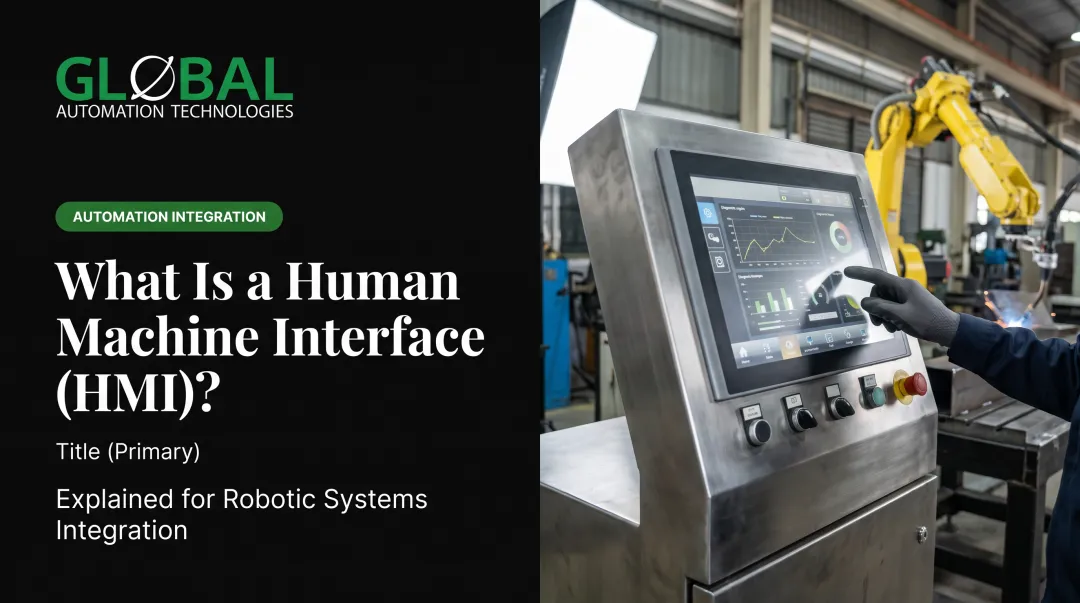
Graphical User Interfaces (GUI) and Touchscreens
GUIs simplify operation for people who aren't programmers. Instead of typing commands, an operator taps an icon for a robot path, safety zone, or task checklist.
Real-time monitoring GUIs often show:
- Floor maps with live robot position
- Cell status indicators and fault codes
- Alerts so a supervisor can spot a stalled cell without walking the line
Command Line and Text-Based Interfaces
CLI still has a place for experienced technicians who need fast, precise command entry. It shines during debugging, low-level parameter changes, and scripted batch jobs where clicking through menus wastes time. Many integrators keep a terminal workflow alongside the GUI for recovery steps that must run the same way every time.
Web-Based and Remote Interfaces
Browser-accessible UIs let engineers monitor and troubleshoot robot systems from a laptop, tablet, or phone without installing specialized software. ABB's RobotStudio Cloud has offered browser-based programming and real-time collaboration since 2022, and FANUC's ZDT web portal delivers fleet analytics and disruption alerts remotely. Monitoring through a browser does not grant authority to move a robot remotely. Safeguarding and risk assessment still apply.
Voice and Gesture Interfaces
Hands-free control sounds appealing on a busy floor, but the data shows real limits. A 2024 HoloLens 2 study found that speech recognition accuracy dropped below acceptable thresholds above 64.2 dB(A), a noise level common in most plants. Gesture recognition fared better in a separate 2024 PCB-manufacturing study, hitting 95–97% accuracy, but with only 10 test users and heavy dependence on training data. Promising technology—not yet ready to replace a physical e-stop.

Why the Right Interface Design Impacts Manufacturing Performance
A confusing UI doesn't just annoy operators. It costs money. Poor interface design:
- Increases programming errors during setup
- Extends training time for new hires
- Raises safety incident risk on the floor
Intuitive GUIs lower the skill barrier, letting cross-trained staff operate multiple cells instead of needing a dedicated specialist per robot brand. Real-time visual and auditory feedback in teleoperated or monitored cells also catches mistakes before they become costly rework.
Those same interface principles apply to programming tools. When the GUI supports simulation and virtual commissioning, path errors get caught offline instead of on the floor.
Where AI-Assisted Simulation Fits
GLOBAL has shifted its own robot programming from a floor-based, trial-and-error process to an AI-assisted, simulation-first workflow. Engineers model the cell, test programs virtually, and optimize them before a single line of code touches the actual controller. That shift moves programming timelines from weeks down to days, with the added benefit of fewer commissioning surprises once the robot goes live.
Vendor data backs the broader trend. ABB reports commissioning time reductions of up to 90% using RobotStudio's virtual controller simulation, while a Siemens customer case documented a 25% reduction in programming time using offline 3D tools. These are vendor-reported, not independently benchmarked, but the direction is consistent: simulation-first interfaces save floor time.

Interface Design in Hazardous Applications
In painting and dispensing, interface design does more than boost efficiency. It keeps people safe. GLOBAL's robotic painting systems remove operators from isocyanates, VOCs, and overspray particulates while still allowing precise remote control of film build and spray pattern.
The operator runs the process through the interface instead of standing in the booth.
Programming Languages and Software Behind Robot Interfaces
Does robotics use C or C++? Mostly, yes, at the controller level. Real-time motion control on FANUC, ABB, KUKA, and Yaskawa systems runs on C/C++-based real-time operating environments. But the language an operator or engineer actually types is often different:
| Vendor | Controller-Level Language |
|---|---|
| ABB | RAPID (proprietary) |
| FANUC | TP/LS files, KAREL |
| KUKA | KRL (KUKA Robot Language) |
| Yaskawa | INFORM; MotoPlus (C-based API) |
Higher-level task programming increasingly uses Python or ROS, especially on research platforms and flexible industrial cells. Offline programming software often lives on entirely separate platforms from the onboard controller.
MATLAB and RobotStudio are two examples. They function as engineering environments, not replacements for the OEM's native motion language.
Emerging Trends: AI and the Future of Robot Interfaces
Three shifts are moving robot interfaces from reactive to predictive:
- Predictive maintenance dashboards: KUKA's iiQoT consolidates fleet condition data so issues surface before they cause downtime, as documented in a 2024 case with BOOSTER Precision Components.
- Augmented reality overlays: KUKA.MixedReality projects a virtual robot and its safety zones onto the live cell through a smartphone, letting technicians check for interference before startup.
- Natural-language assistants: ABB's RobotStudio AI Assistant uses an LLM to answer programming questions by drawing on manuals and documentation.
Cloud and connectivity enable all three. ABI Research projected manufacturers would spend roughly $751 million on private 5G in 2024, supporting distributed access to robot UIs across plant floors and facilities.
GLOBAL's AI-assisted engineering approach follows the same path: AI-driven health assessments flag equipment issues early and protect maintenance budgets, while simulation tools cut programming timelines.
Frequently Asked Questions
What's the difference between UI and HMI?
HMI is the physical or digital touchpoint device, like a pendant or touchscreen. UI is the broader term covering the entire interaction chain, including software, feedback design, and every device involved.
Does robotics use C or C++?
Most industrial robot controllers run on C/C++-based real-time systems. Higher-level programming, especially on research platforms, often uses Python or ROS instead.
What is the most common type of robot interface in factories today?
Teach pendants remain the industry standard for on-floor programming, with touchscreen GUIs increasingly built into those same pendants across FANUC, ABB, KUKA, and Yaskawa platforms.
Can one interface control robots from different manufacturers?
Most interfaces are brand-specific and won't cross over. Some third-party and web-based UIs offer cross-platform monitoring, but full programming control typically stays locked to the original vendor.
How does a good UI improve robot safety?
A well-designed UI reduces operator error through clearer feedback, visual path confirmation, and role-based access controls that limit who can change critical settings.
Are voice and gesture interfaces ready for industrial use?
Not yet for safety-critical control. Studies show speech recognition breaks down above roughly 64 dB(A) of ambient noise, and gesture systems still depend heavily on training data and user-specific calibration.