
Many manufacturers struggle with automation projects that stall during commissioning or need major rework within the first year. Designing an automation system isn't just buying PLCs and robots — results vary widely based on process analysis, hardware selection, control architecture, and safety planning done upfront.
This guide walks through the full step-by-step design process, the parameters that quietly determine performance, common mistakes that derail projects, and when it makes sense to bring in outside integration expertise.
Key Takeaways
- Six design stages: requirements analysis, hardware selection, control architecture, safety integration, simulation, and commissioning.
- Balance flexibility, scalability, safety, and cost; automation for its own sake wastes capital.
- Match fixed, programmable, flexible, or integrated automation to your production volume.
- Most failures trace back to skipped requirements analysis or safety bolted on too late.
- AI-assisted simulation is compressing robot programming timelines from weeks to days.
What Is Industrial Automation System Design?
Industrial automation system design is the engineering process of specifying the hardware, software, control logic, and safety systems that let machines run manufacturing tasks with minimal human intervention.
ISA defines automation as the creation and application of technology to monitor and control production and delivery. Design is where that definition meets real constraints: budget, floor space, cycle time, and skilled labor availability.
Early decisions about architecture type, hardware class, and communication protocol determine the system's long-term flexibility and cost of ownership. Get these wrong, and you're paying for it every time a new product variant comes down the line.
Most designs fall into one of four architecture types. Use the table below to match volume, changeover needs, and data scope before you lock hardware and controls.
| Type | Best for | Changeover | Tradeoff |
|---|---|---|---|
| Fixed | One product, very high volume | Almost none | Max throughput, almost no flexibility |
| Programmable | Batch runs, limited variants | Code + physical setup | Flexible between batches, downtime on switch |
| Flexible | Multi-variant lines | Mostly software/recipes | Higher upfront controls complexity |
| Integrated | Plant-to-enterprise visibility | Software-driven | Needs MES/ERP alignment and clean data |
Fixed Automation
Fixed, or hardwired, automation is built for one product at high volume and low unit cost. Think dedicated transfer lines running the same part millions of times.
Control Engineering notes this approach is efficient specifically because the equipment runs one program, trading flexibility for maximum throughput.
Programmable Automation
Programmable automation handles limited configuration changes between batches. CNC machines and industrial robots sit in this category.
A3 describes these systems as permitting changes to operation sequences and machine configuration through electronic controls. Switching products still often means new code and physical changeover, which costs labor and downtime.
Flexible Automation
Flexible automation pairs recipe-based control with mechanical automation. Networked PLCs and remote I/O let one line run multiple product variants with minimal changeover, because product selection happens in software rather than through hardware swaps.
Integrated Automation
Integrated automation ties control systems, MES, and ERP into one connected factory stack. Production data moves up into planning systems in near real time: not only machine-to-machine, but plant-to-enterprise.

How to Design Industrial Automation Systems: Step-by-Step
Step 1: Analyze the Process and Define Requirements
Before evaluating a single piece of hardware, map the current workflow. Identify bottlenecks, manual tasks, and where variability creeps in.
- Define functional requirements: cycle time targets, throughput, tolerances, regulatory constraints
- Set project scope and budget boundaries: this prevents scope creep once hardware conversations start
- Document existing equipment and facility constraints that will limit or shape the design
This is also where consulting and feasibility work pays off. Process studies that evaluate cycle time and identify automation opportunities before committing capital catch problems that are cheap to fix on paper and expensive to fix on the floor.
Step 2: Select Core Hardware — PLCs, Sensors, and Actuators
Hardware selection should follow requirements, not precede them. Three categories matter most:
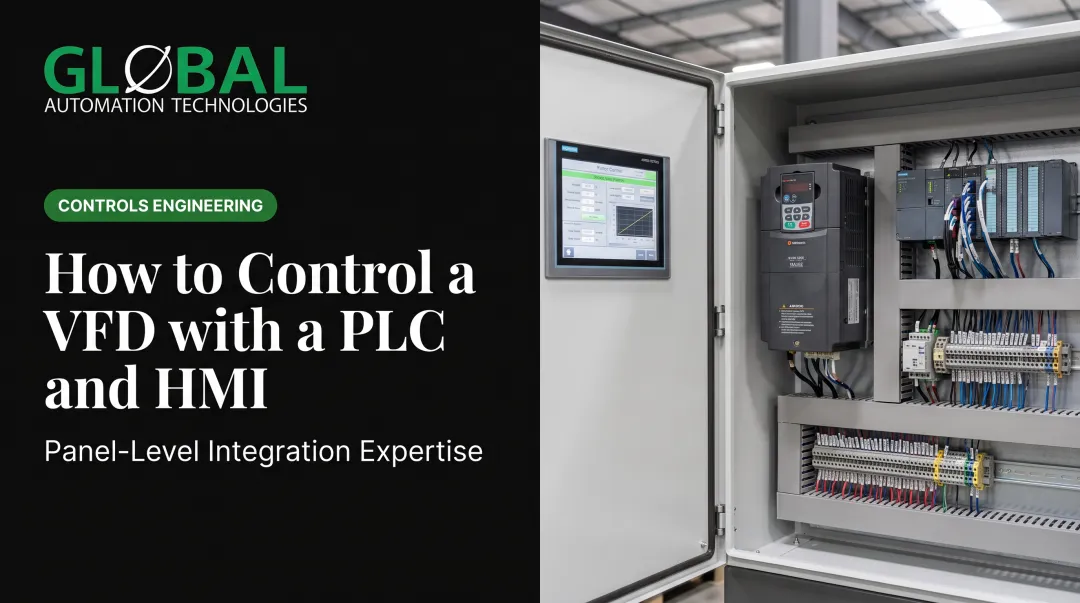
PLC platform. Match compact or modular/networked controllers to your expected I/O count and system complexity. Siemens notes that planners need to check both maximum expansion-module count and maximum supported I/O-signal count before locking in a platform. Undersizing here creates problems later.
Sensors. Rockwell Automation identifies sensing range, target material, and environmental conditions as core selection criteria. Over-specifying drives up cost for no benefit; under-specifying causes false triggers and downtime.
Actuators. Choice depends on force, speed, and duty cycle:
- Electric/electromechanical: precise motion control, programmable
- Pneumatic: fast, simple, requires air-delivery infrastructure
- Hydraulic: high force, requires pumps and valves
Control Engineering also flags durability, energy efficiency, and total operating cost as selection factors that get overlooked in favor of upfront price.
Step 3: Design the Control Architecture and Communication Network
Decide between centralized control (single compact cell) and distributed control (multi-station, scalable line). Distributed architectures cost more upfront but scale far more gracefully.
Protocol selection matters more than most teams realize:
| Protocol | Strength | Consideration |
|---|---|---|
| EtherNet/IP | Supports distributed multi-axis motion (CIP Motion) | Best where FANUC/Rockwell ecosystems dominate |
| PROFINET | Cycle times ranging from standard RT down to 31.25 microseconds in IRT mode | Performance is network-design dependent, not fixed |
| Modbus TCP | Simple client/server messaging over standard TCP/IP | No fixed response time; timeout depends on topology |
Plan network topology with room for future expansion. Retrofitting spare capacity into an existing panel is far more disruptive than building it in from day one.
Step 4: Build In Safety and Compliance From the Start
Treat safety as a design input from day one, not a final checklist item. Start with a formal risk assessment, then select safety-rated components: interlocks, e-stops, light curtains.
Multiple standards apply depending on scope:
- ISO 13849-1 covers design and integration of safety-related control system parts, including software, across electrical, hydraulic, and pneumatic technologies
- IEC 62061 specifies requirements for design, integration, and validation of safety-related control systems for machines
- NFPA 79 applies to electrical/electronic equipment on industrial machines at 1,000V or less
- OSHA 1910.212 requires machine guarding affixed to the machine where possible
Integrate guarding, lockout/tagout provisions, and shutdown logic into the control design itself rather than bolting them onto a finished panel. Confirm wiring and panel layout comply with NFPA, NEC, and OSHA requirements before final sign-off.
Step 5: Simulate, Program, and Validate Before Deployment
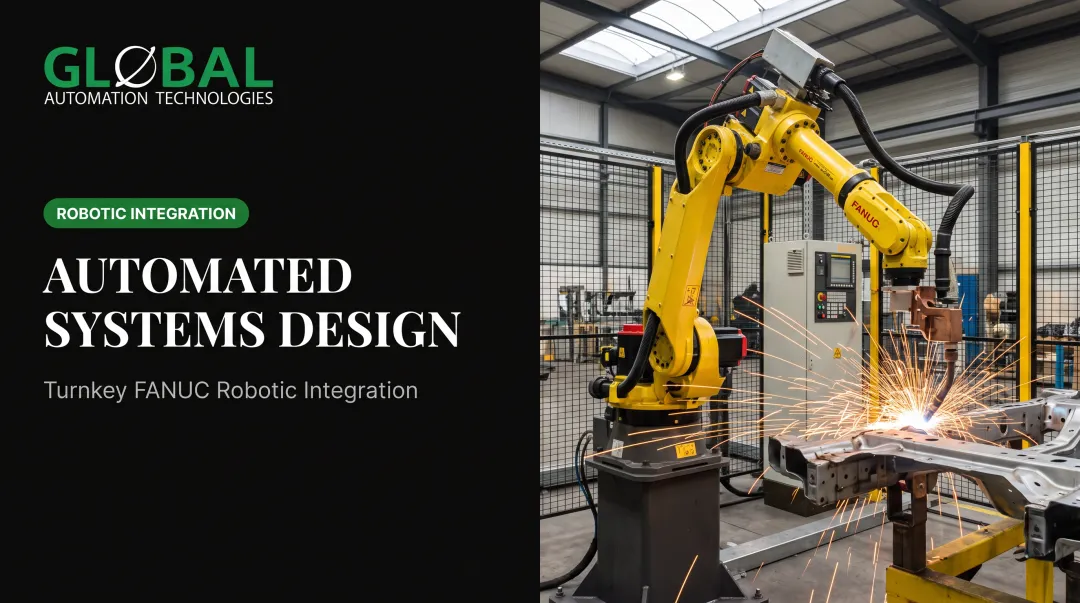
Offline simulation catches problems before steel gets cut. GLOBAL Automation Technologies, a top-tier Level 5 FANUC Authorized System Integrator, uses AI-assisted simulation to model, test, and optimize robot programs before a single line of code runs on the production floor.
That approach reduces robot programming time from weeks to days and cuts down on startup surprises. This isn't unique to one vendor. ABB reports its RobotStudio software can cut robot-programming time by as much as 80% through automatic path planning. Automation World describes similar tools used to verify reach and cycle times during virtual commissioning before physical builds begin.
After simulation comes validation:
- Factory Acceptance Testing (FAT): validate the system at the integrator's facility before shipment
- Site Acceptance Testing (SAT): confirm performance once installed on the plant floor
- Operator and maintenance training
- Documentation handoff: drawings, software backups, maintenance manuals
Skipping any of these steps to save a week almost always costs more time later.

Key Design Parameters That Affect System Performance
Outcomes depend on how well you control these variables during design, not just which components you choose.
- Cycle time and throughput targets: Drive hardware speed class and actuator selection. Mismatched targets create bottlenecks on one end of the line and wasted capacity on the other.
- I/O count and scalability headroom: Sets PLC and network sizing for future growth. Undersized I/O forces costly panel rebuilds when the next product line arrives.
- Environmental conditions: Dust, temperature swings, EMI, and washdown needs dictate enclosure ratings, sensor types, and cable shielding. Poor matching leads to premature sensor failure and signal noise that's maddening to troubleshoot later.
- Communication latency and protocol choice: Real-time control loops need deterministic, low-latency networks. The wrong protocol introduces lag that disrupts synchronized motion or in-line quality checks, often only after the line runs at full speed.
Common Mistakes When Designing Industrial Automation Systems
According to a Control Engineering survey of more than 1,800 system integrators, up to 80% of project problems came from inadequate client–integrator communication rather than equipment failure. Those same gaps show up in a handful of recurring design mistakes:
- Skipping detailed process analysis and jumping straight to hardware selection, which locks in the wrong equipment class before requirements are clear
- Treating safety as a final step instead of a core design input, forcing expensive rework late in the project
- Under-sizing PLC I/O and network capacity, leaving no room for the next product variant or line expansion
- Underestimating programming and commissioning time, which compresses testing and creates avoidable startup issues
In-House Design vs. Partnering With an Automation Integrator
In-house design can work well when a company has dedicated controls engineers and a simple, single-cell application. But internal team costs scale quickly once a project spans multiple lines or stations. You need mechanical, controls, and safety expertise simultaneously, and that's expensive to staff full-time for a one-off project.
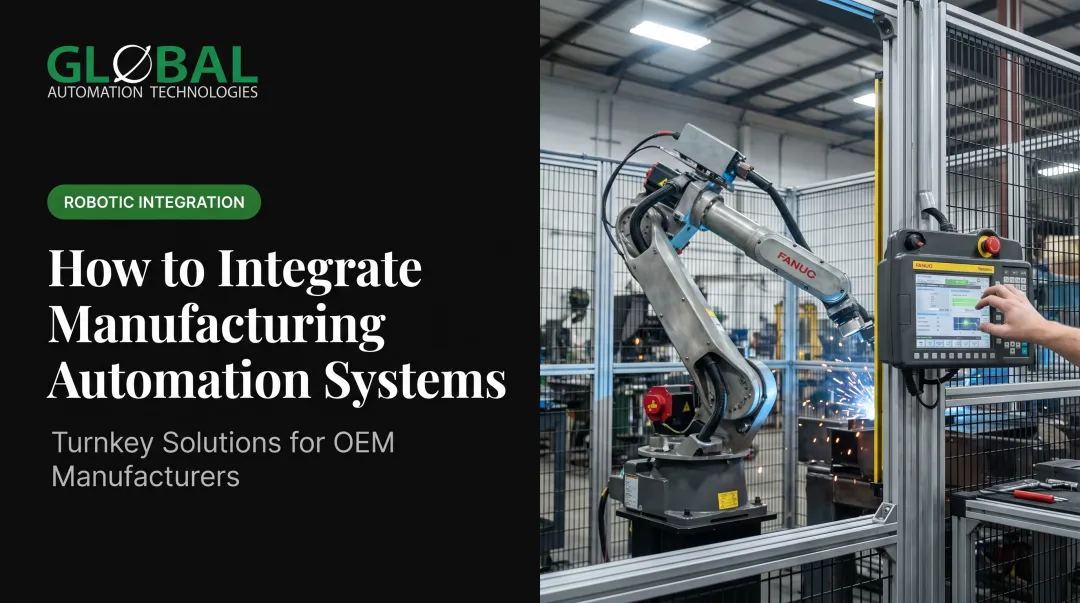
Partnering with a turnkey integrator changes the equation. It bundles layout, hardware, programming, safety validation, and commissioning under one contract instead of coordinating multiple vendors.
GLOBAL Automation Technologies reflects this directly through three distinct offerings that stay separate but complement each other: turnkey automation solutions that engineer and commission the robotic cell; engineering services that place GLOBAL's own engineers on a customer's contract; and technical staffing that recruits outside controls, mechanical, and project talent into customer roles. That range is valuable for OEMs and Tier 1 suppliers that need full turnkey delivery plus ongoing engineering support without managing separate vendor relationships.
The trade-off is real. Integrators add upfront cost that in-house teams might avoid on paper. But they bring cross-industry experience that shortens the learning curve significantly. A welding fix proven on an automotive line, for instance, can transfer directly to a heavy industry or aerospace application. The underlying physics doesn't change even though the industry does.

Questions worth asking before choosing a path:
- Does the project span one cell or multiple stations?
- Is safety-critical validation required?
- Does the internal team have bandwidth beyond this one project?
- Will the system need to scale within 2-3 years?
Frequently Asked Questions
What are the four types of industrial automation?
Fixed, programmable, flexible, and integrated automation. Fixed suits high-volume single products; programmable handles batch production; flexible runs multiple variants on one line; and integrated links control systems to MES and ERP.
What is automation system design?
Automation system design is the engineering process of architecting control hardware, software, and safety systems for automated manufacturing. It spans PLC selection, network architecture, and safety compliance.
What are industrial automation systems?
These are computerized systems combining PLCs, sensors, actuators, and HMIs that reduce manual labor and repetitive tasks in manufacturing. They range from single-station cells to fully connected, plant-wide networks.
How long does it take to design and commission an industrial automation system?
Timelines vary by project complexity, station count, and safety requirements. AI-assisted simulation can compress programming and commissioning by validating robot paths before physical hardware is built.
How much does it cost to design an industrial automation system?
Cost depends on hardware class, robot count, and integration scope. Robotic machine tending cells, for example, often pay back their investment in 12 to 18 months through increased throughput and reduced direct labor hours.
Do I need a systems integrator to design an automation system?
Simple, single-machine automation can often be handled in-house with dedicated controls engineers. Multi-station or safety-critical lines generally benefit from integrator expertise for turnkey delivery and validated compliance.