
Many engineers, especially those new to a plant floor, struggle here. Program types blur together, syntax looks unfamiliar, and it's not always clear when TP is the right tool versus Karel or BG Logic. This guide breaks down what TP programming actually is, how it compares to other FANUC program types, and how to write it well. We'll also cover how integration partners like GLOBAL Automation Technologies help manufacturers get cells running faster.
Key Takeaways
- FANUC TP is the native language for motion, I/O, and logic in most robot applications
- Karel, Macros, BG Logic, and Condition Monitors each fill distinct roles alongside TP
- Clean TP code relies on subroutines and CALL statements instead of repetitive inline logic
- AI-assisted simulation tools are cutting robot programming timelines from weeks to days
- Experienced integration partners reduce programming errors, downtime, and startup delays
What Is FANUC TP Programming?
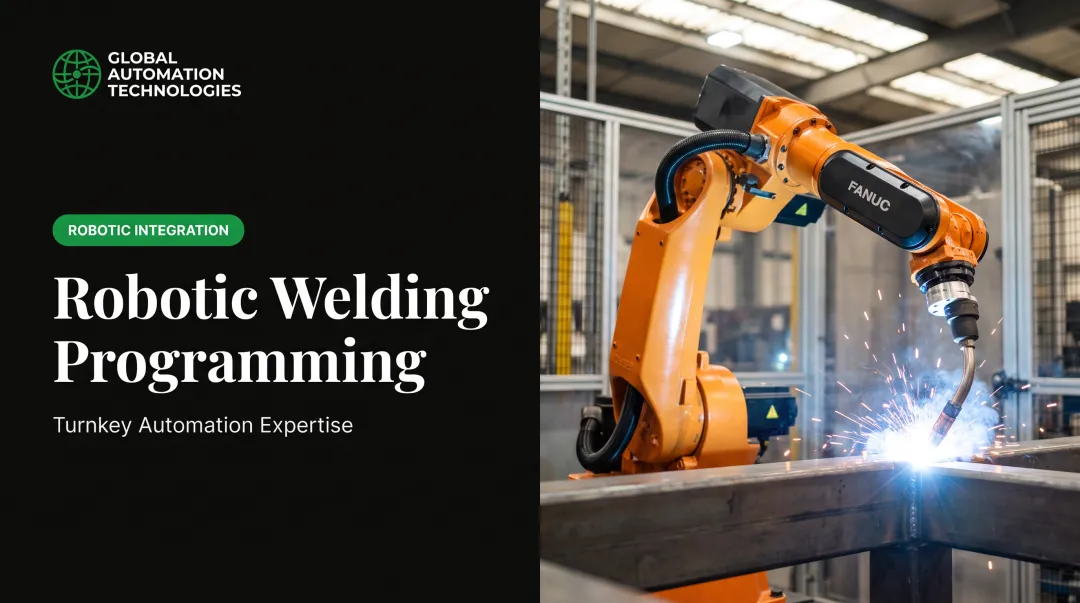
TP programming is FANUC's teach pendant language for writing motion instructions, I/O logic, and program flow. It's the code you see on the pendant screen, written on the device itself or offline in ROBOGUIDE, then transferred to the controller.
According to Control.com's technical overview of FANUC robot programming, TP uses structured statements built for robot functions, and you can step programs one line at a time during testing.
File structure basics:
- Programs typically run as
.TPfiles on the controller — the binary format the robot executes .LSfiles are the editable ASCII source version engineers often write and version-control offline- Both formats are viewable and editable through the pendant interface or offline tools
Core Instruction Types
TP programs are built from a handful of instruction categories:
- Motion instructions: Joint (J), Linear (L), Circular (C), and Arc (A) moves that control travel between points
- I/O operations: digital inputs/outputs that talk to grippers, sensors, and PLCs
- Registers and positions: numeric and position registers for values and coordinates
- String instructions: text handling for traceability and similar data tasks
The instruction set is deliberately limited next to a general-purpose language. TP is built to describe robot behavior, not to build software.
Where TP Fits Among FANUC Program Types
New programmers often assume every FANUC program does the same thing. It doesn't. Here's a quick comparison:
| Program Type | Purpose | Editable on Pendant? |
|---|---|---|
| TP | Motion, I/O, and program flow; the default for cell logic | Yes |
| Karel | Pascal-based compiled language for advanced logic; cannot control motion | No (runs as a black box) |
| Macro | Shortcut routines, often triggered by pendant keys or signals | Varies |
| BG Logic | Continuous background monitoring, PLC-style, no motion instructions | Yes |
| Condition Monitor | Event-based monitoring triggers | Limited |

One detail that trips people up: FANUC's KAREL product page confirms Karel handles nearly every robot function except motion. According to ONE Robotics' documentation, loading custom Karel programs on R-30iB controllers requires the separate R632 KAREL option, an added software license.
TP, by contrast, is standard on every controller out of the box. That's a major reason TP handles the majority of real-world applications.
Core TP Programming Concepts Every Engineer Should Know
Motion Instructions
Every pick-and-place routine leans on the same basic motion vocabulary:
- Joint (J): fast, non-linear moves between points, ideal for clearing obstacles
- Linear (L): straight-line travel, used for precise approach and retreat moves
- Circular (C): curved paths through an intermediate point, common in welding and dispensing
A typical pick-and-place sequence: joint move to an approach point above the part, linear move down to pick, joint move to clear, linear move to the place location.

Registers: The Robot's Memory
- Numeric registers
R[x]store values like counters, cycle times, or part counts - Position registers
PR[x]store coordinate data such as Home, Safe, or a taught pick point
Using registers instead of hardcoded values means one change updates every program that references them.
Branching Without Loops
Here's a quirk that surprises programmers coming from other languages: FANUC TP has no WHILE loop. Looping and branching happen through jump-to-label logic, using syntax like JMP LBL[10] and LBL[1:Loop]. It works, but it takes some adjustment.
Interrupts, Skips, and I/O
- Skips stop a motion mid-path when a condition is met, useful for search operations
- Interrupts (condition monitors) run background logic that can pause or redirect the main program when a signal changes
- DI/DO signals are how the robot talks to PLCs, grippers, and vision systems in real time
These four concepts cover the bulk of what shows up in a working cell: motion, registers, branching, and I/O.
Best Practices for Writing Clean, Maintainable TP Programs
Sloppy TP code isn't just ugly. It's slower to debug and easier to break during a changeover. A few habits separate maintainable programs from tangled ones.
- Separate concerns into small routines. Break logic into single-purpose programs called with
CALLinstead of one massive program. A published FANUC programming example from Control.com shows a main dispatcher that calls individual function routines rather than stacking everything inline. - Build reusable interfaces. Don't repeat pulse or sensor-check logic in ten places. Write one
SERIALIZE(or sensor-check) routine, call it wherever needed, and change timing or thresholds once so every caller updates. - Comment consistently. TP lacks named constants, so
R[5]means nothing on its own. A!comment line turns it into something a technician can read six months later.

Common TP Programming Challenges and How to Avoid Them
A few recurring headaches catch engineers off guard:
- Programs that won't open. Some pendant list entries are compiled Karel
.pcfiles, not editable TP programs—filter them via controller parameters so they stop cluttering the list. - Access-level restrictions. FANUC's Password Protection feature can block view or edit by login tier. Confirm your access level before treating the file as corrupt.
- Limited debugging tools. You can step TP one line at a time, but there's no full source-level debugger. Use strict register naming and comments so stray references are easier to trace.
Offline simulation surfaces bad opens, access gaps, and register mistakes before code hits the floor—which is why offline programming matters next.
Offline Programming, Simulation, and the Role of an Integration Partner
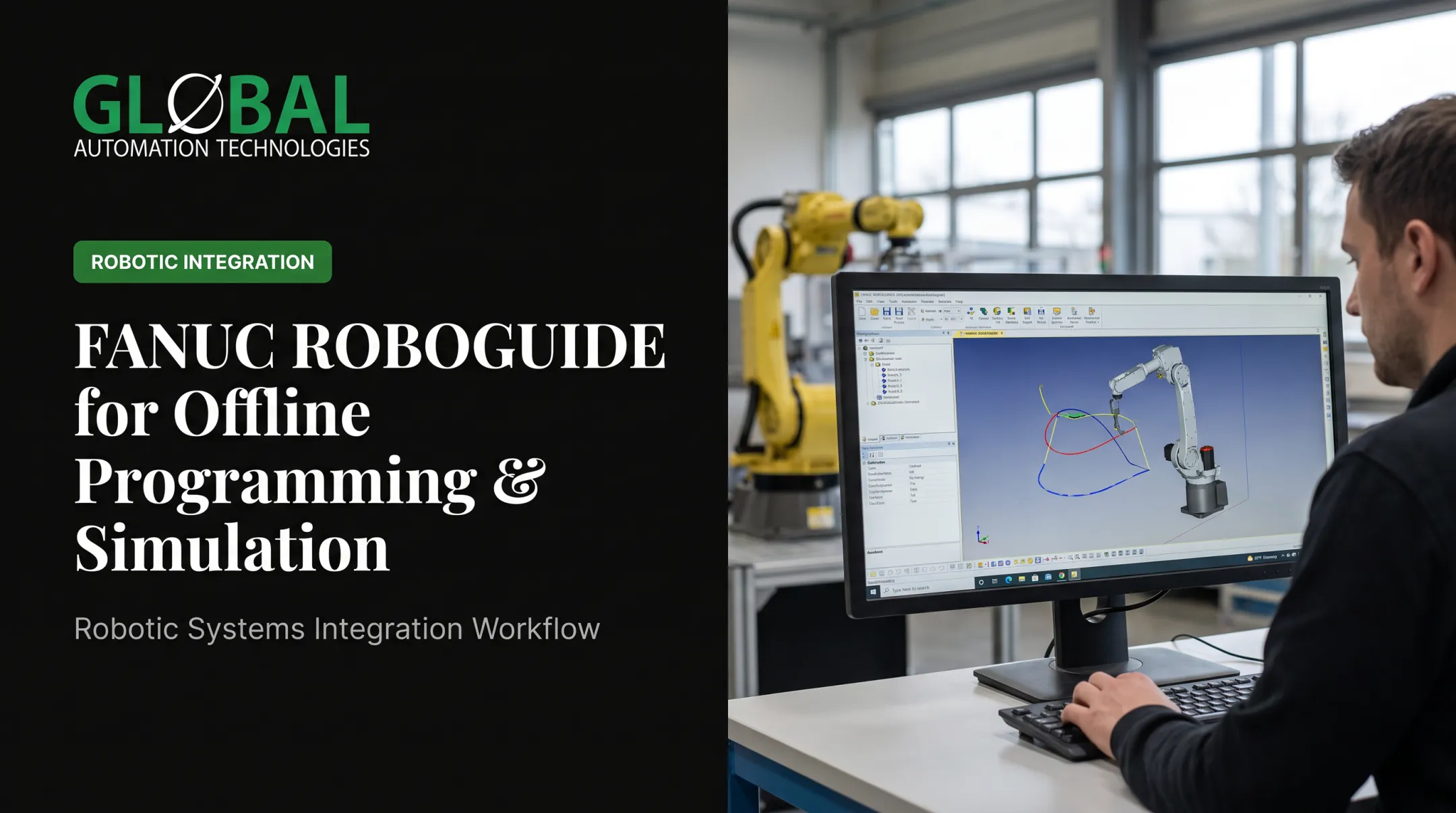
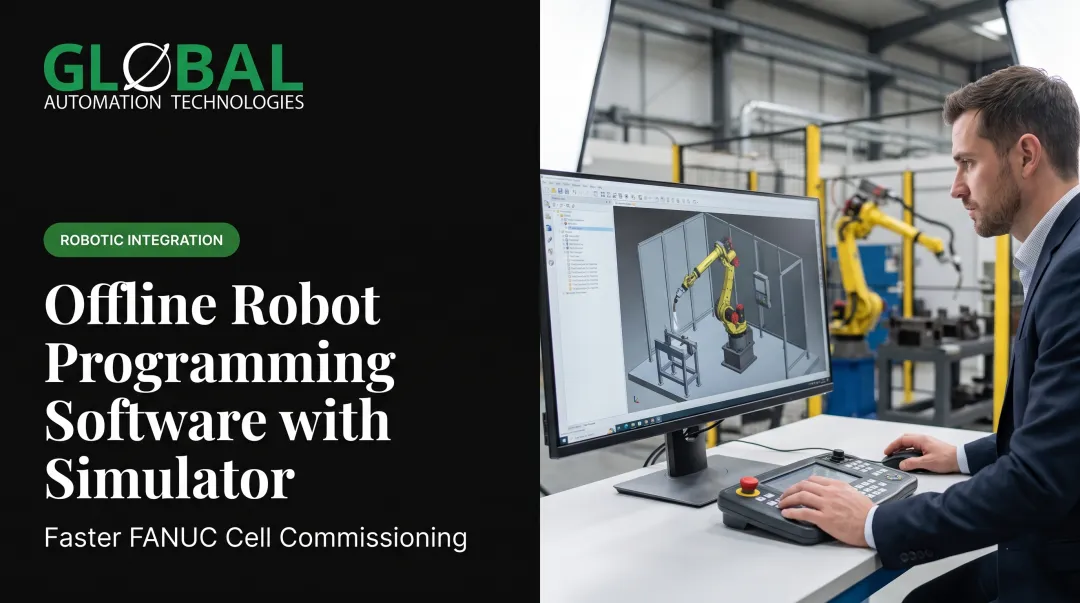
Writing and testing TP logic directly on a production pendant means every mistake costs floor time. ROBOGUIDE and similar platforms reverse that tradeoff. FANUC's own ROBOGUIDE product materials describe it as software that builds and simulates full 3D workcells without a physical robot. Programs and settings then transfer to the real controller, shortening installation time.
AI-assisted simulation is accelerating this further. At GLOBAL Automation Technologies, engineers use AI tools to model, test, and optimize robot programs before deployment. That approach is compressing programming timelines from weeks to days on real projects. Fewer surprises during commissioning means less floor downtime overall.
This is where GLOBAL's dual-service structure matters. The company delivers automation solutions, engineering services, and technical staffing as three distinct offerings:
- engineering services: designs, programs, and integrates FANUC-based robotic systems from feasibility study through commissioning and support
- technical staffing: places controls engineers, robot programmers, and project managers as contract, contract-to-hire, or direct-hire talent
As a Level 5 FANUC Authorized System Integrator and #1 purchaser of FANUC robots among North American integrators in 2025, GLOBAL brings both the programmed system and the people who can run and maintain it. Manufacturers often can't get that combination from a single call elsewhere.
When offline programming and the right integration partner come together on machine-tending work, the payback shows up quickly. A properly programmed and validated cell typically pays for itself in 12 to 18 months through higher spindle utilization, unattended operation, and more parts per shift with fewer direct labor hours.
Frequently Asked Questions
What software is used to program a FANUC robot?
FANUC robots are programmed directly on the teach pendant using TP language, or offline using ROBOGUIDE simulation software. Karel programs require a separate compiling process and the KAREL language option.
Is FANUC TP programming hard to learn?
No — TP uses simpler, more limited syntax than general-purpose languages, so beginners can pick it up quickly. Quirks like jump-to-label logic instead of loops still take some practice to master.
What is the difference between TP and Karel programs?
TP programs are viewable and editable directly on the pendant. Karel programs compile into a black-box binary and handle advanced calculations beyond standard TP capability, but can't control motion.
Can TP programs run in the background while another program executes?
That's the role of BG Logic, a separate program type built for continuous, PLC-like monitoring. BG Logic runs without motion instructions alongside your main TP program.
Do I need special training to write FANUC TP programs?
No formal degree is required, but structured training helps. Most teams use in-house programs, FANUC certification courses, or bring in integrators and staffing partners when internal expertise is limited.
How can I speed up FANUC robot programming and commissioning?
Offline simulation, AI-assisted programming tools, and experienced integration partners help manufacturers compress programming and startup timelines without sacrificing quality.