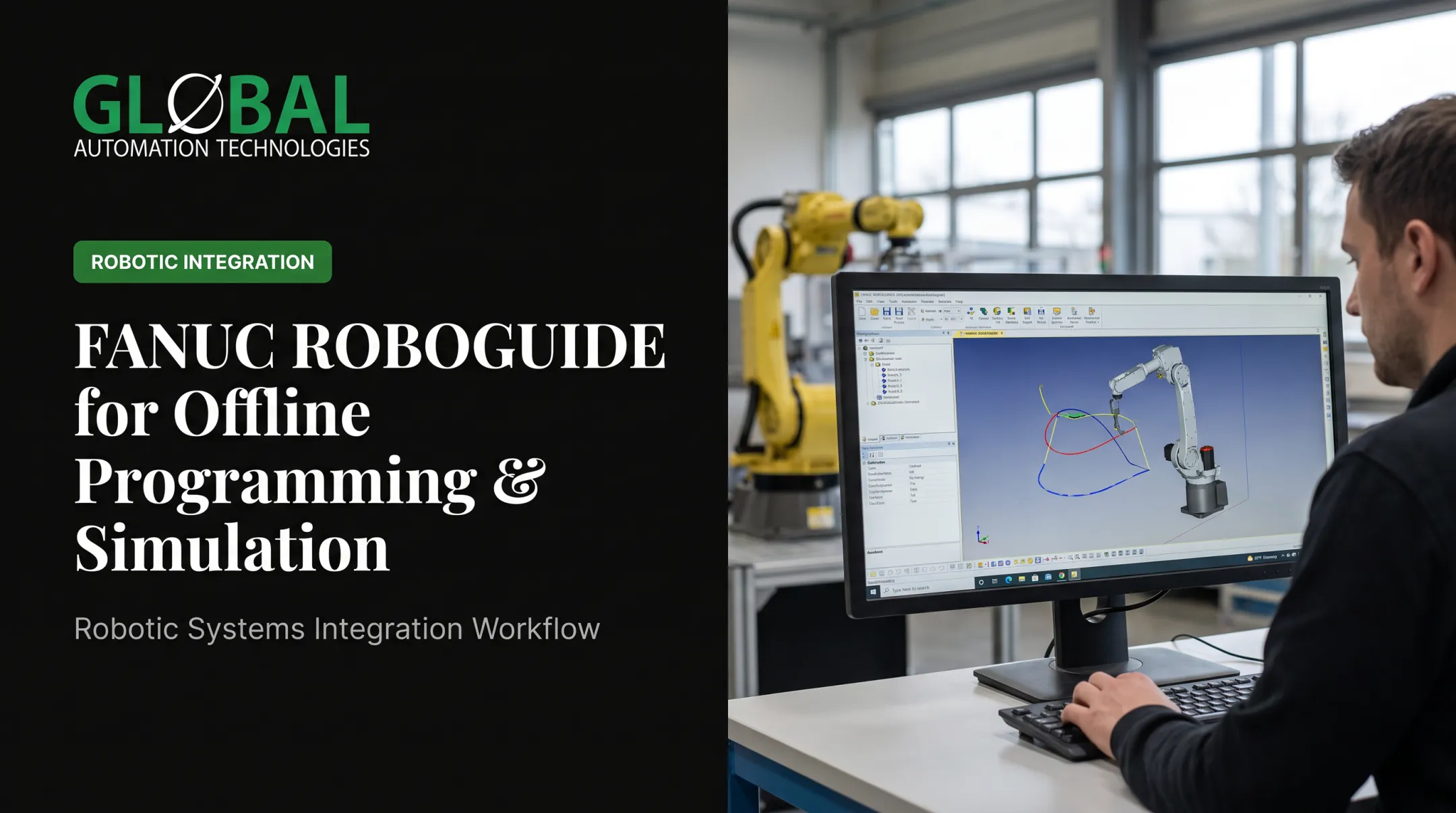

That's the core problem offline programming (OLP) software solves. Instead of teaching a robot on the live production floor, engineers build and test the program in a virtual environment first. According to the International Federation of Robotics, programming and integration alone can account for 50%-70% of a robot application's total cost. That's not a rounding error. That's the main event.
This guide breaks down what OLP software is, how it actually works, its real benefits, the features worth paying for, and how it fits into a broader automation strategy.
Key Takeaways
- Offline programming builds and tests robot code virtually, keeping production running
- Simulation catches collisions, reach problems, and cycle-time issues before deployment
- One documented case cut programming time by half, with reduced robot downtime
- The right platform depends on robot brand mix, task complexity, and in-house CAD skills
What Is Offline Robot Programming Software?
OLP software generates robot programs from 3D CAD data inside a simulated environment, then converts that program into brand-specific code the physical controller can run. That last step matters. A tool that cannot produce deployable controller code is visualization software, not true OLP.
The Simulator's Real Job
The simulator isn't just a pretty 3D preview. It's doing real engineering work:
- Reachability checks: confirming the robot can actually hit every target point
- Singularity detection: flagging joint configurations that cause erratic motion
- Collision detection: checking the robot, tooling, and fixtures against each other before anything moves for real
- Cycle-time validation: estimating how long the job will actually take
OLP vs. Basic Simulation vs. OEM Tools
There's a real difference between three categories that get lumped together:
| Category | What it does |
|---|---|
| Basic simulation software | Builds a digital model for layout/behavior study only |
| OEM-specific tools | Full OLP, but locked to one robot brand |
| Independent OLP platforms | Full OLP with post-processors for multiple brands |

GLOBAL Automation Technologies, a Level 5 FANUC Authorized System Integrator, a FANUC-focused systems integrator, uses AI-assisted simulation on turnkey projects to model, test, and optimize robot programs before they reach the floor. That approach helps compress programming from weeks to days on complex builds.
How Offline Programming Works: Step-by-Step
The workflow is consistent across platforms, whether you're programming a weld cell or a paint booth:
- Import CAD models of the robot, tooling, fixtures, and part into the OLP platform so the virtual cell matches your floor layout
- Define the task directly on the CAD geometry: a weld seam, a paint pattern, a pick point, or a dispensing bead
- Run the simulation to check reach, singularities, collisions, and cycle time, then refine the path
- Generate the program through a brand-specific post-processor that outputs native controller code
- Download to the controller and run a low-speed verification pass before returning the cell to production

That fifth step isn't optional. Simulation reduces risk; it doesn't eliminate the need to physically confirm the program before running it at full speed.
Calibration Is the Foundation
None of this works without accurate calibration of the robot base, tool center point (TCP), and fixture positions. If your virtual model doesn't match physical reality, your simulation is just a guess wearing a lab coat. Check calibration periodically rather than treating it as a one-time setup task.
Common Challenges to Prepare For
Even solid OLP deployments run into predictable friction:
- Virtual-to-physical mismatch: real fixtures, clamps, and parts rarely match the CAD model perfectly
- Multi-vendor integration: different robot brands use different languages, so verify post-processor compatibility by controller, not just brand name
- Freeform paths: continuous motion such as paint or sealant beads is harder to simulate accurately than simple point-to-point moves
Key Benefits of Offline Programming Software
The case for OLP comes down to a few concrete advantages:
- Builds and tests programs while the robot keeps producing parts, cutting production downtime
- Lets programmers work from a laptop instead of standing inside a live robot's work envelope
- Catches path mistakes in simulation before physical testing, raising first-run accuracy
- Speeds changeovers by building new programs offline while fixtures are swapped in high-mix production

A 2019 Control Engineering case study documented an arc-welding application where programming time was cut roughly in half, with a corresponding drop in robot downtime. That's one measured result, not a universal guarantee.
GLOBAL applies the same logic at the systems-integration level. AI-driven simulation and predictive maintenance tools reduce startup surprises and lower the risk of interrupted unattended operation.
That matters most in cells like robotic machine tending, where a CNC or press might run lights-out overnight with no operator watching for problems.
Online vs. Offline Programming: Which Fits Your Operation?
Neither approach is universally "better." It depends on cell complexity, volume, and how often work changes.
Online (teach-pendant) programming still makes sense when:
- The task is simple and repetitive
- Production volume is low
- Changeovers are rare
Offline programming becomes worth the investment when:
- Cells are complex and multi-robot
- Products change frequently
- Tolerances are tight
- Production is high-volume and multi-shift

There's a cost trade-off, too. Teach-pendant programming uses hardware you already own — no software licensing required. OLP requires licensing and training investment upfront.
Robotmaster's own ROI guidance points to flexibility and eliminated downtime as the main payback drivers, not the sticker price of the software itself.
Key Features to Look for in OLP Software
If you're evaluating platforms, a few features separate the useful tools from the ones that'll frustrate your team:
- Multi-brand post-processor support so you're not locked into one robot maker as the fleet grows
- Built-in collision detection and reachability analysis that flags interference before you waste cell time
- Cycle-time optimization that ties software cost to measurable throughput gains
- CAD compatibility for common formats (STEP, IGES, STL) and easy import of existing plant models
- Usability for process experts: welders and painters shouldn't need to be CAD engineers, so training and support matter as much as raw features
One independent platform, RoboDK, documents over 100 post-processors covering more than 1,400 robots from 80 manufacturers — a useful benchmark for what "multi-brand support" should actually look like.
Frequently Asked Questions
What is the best offline robot programming software?
It depends on your robot brands, task complexity, and CAD workflow. Independent platforms like RoboDK or Robotmaster offer multi-brand flexibility. OEM tools like FANUC ROBOGUIDE or ABB RobotStudio fit best if you're committed to one brand. Judge options on simulation depth and post-processor support.
What programming languages are used for robot programming?
Each brand has its own language: RAPID for ABB, KRL for KUKA, and KAREL for FANUC. OLP software typically abstracts this away, generating native controller code automatically so you don't need to write it by hand.
How much does offline robot programming software cost?
Pricing varies widely by vendor and license type. Some platforms run a few thousand dollars for a permanent license, while calibration add-ons and enterprise options cost more. ROI usually comes from reduced downtime and faster commissioning, not the license price alone.
Can offline programming work with any robot brand?
Independent OLP platforms support multiple brands through post-processors. OEM software is typically limited to that manufacturer's own robots.
How accurate is simulation compared to the real robot cell?
Accuracy depends entirely on how well the TCP, robot base, and fixture positions are calibrated. Skipping recalibration is the most common reason a "perfect" simulation doesn't match reality on the floor.
Do I still need a skilled programmer if I use OLP software?
Yes. OLP speeds up program creation, but experienced programmers are still essential for path optimization, collision avoidance, and troubleshooting complex applications the software can't fully automate.