
Introduction
Every operator who has pressed a button on a control panel, tapped a touchscreen, or picked up a robot teach pendant has used an HMI. Most never call it that.
As factories add more robots, sensors, and automated systems, the interface connecting people to that equipment matters more than ever. A confusing screen layout or a poorly placed alarm doesn't just annoy an operator. It slows response times and raises the risk of costly downtime.
This article breaks down what an HMI is, how it works, and where it fits alongside PLCs and SCADA. It also explains why HMIs have become a critical piece of robotic automation on the modern factory floor.
Key Takeaways
- Operators use an HMI to monitor and control a machine, system, or process in real time
- HMI, PLC, and SCADA are distinct layers of an industrial control system, not interchangeable terms
- Interfaces range from basic push-button panels to AI-enhanced touchscreen dashboards
- In robotic cells, the teach pendant or HMI is the operator's main point of control
- Application, environment, and system complexity determine which HMI fits
What Is a Human Machine Interface (HMI)?
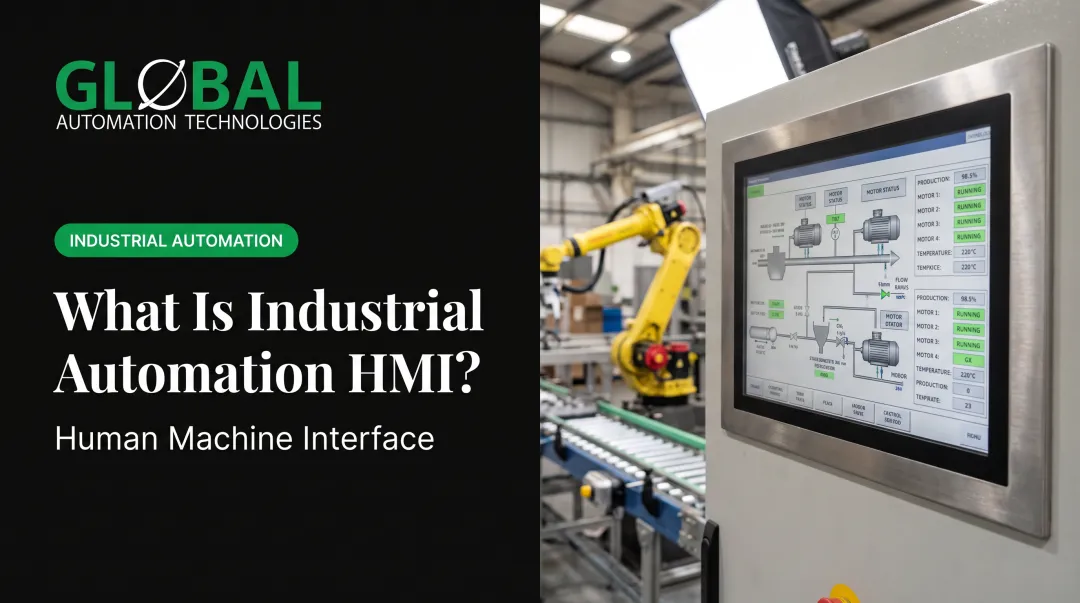
An HMI is any hardware or software that lets an operator interact with a controller. It can be a panel with three physical buttons, or a full-color industrial touchscreen running dashboards across an entire production line.
The core job of an HMI is translation, working in both directions:
- Input to output: It converts an operator's button press or screen tap into a machine command
- Data to insight: It takes raw machine data (temperatures, cycle counts, fault codes) and turns it into graphs, alarms, or status lights a human can read at a glance
Why HMI Design Actually Matters
A well-designed HMI cuts training time and reduces operator error. A poorly designed one does the opposite, and the cost isn't theoretical.
Process industries lose roughly $20 billion annually to production disruptions worldwide, about 5% of total output. Of that, an estimated 80% is preventable, and operator error is the leading cause behind 40% of those preventable losses, according to Control Engineering's analysis of operator effectiveness.
That's a $6.4 billion improvement opportunity, much of it tied directly to how information gets presented to the people running the equipment.
An HMI that buries critical alarms under decorative graphics, or scatters related data across five different screens, isn't just inconvenient. It's a measurable risk.
The Evolution of HMI Technology
HMIs didn't start as screens. They started as hard-wired panels: physical switches, dial gauges, and indicator lamps bolted directly to machinery.
- 1980s: Programmable display units introduced early graphical machine interfaces, requiring dedicated programming software
- 1990s: Windows-based platforms brought a more familiar, navigable interface style to the plant floor
- Late 1990s-2000s: Flat-panel displays replaced bulky CRTs, and touchscreens using capacitive, resistive, and infrared technologies became standard
- Today: Multi-touch displays, browser-based access, and cloud-connected dashboards let operators monitor equipment from a control room, a machine, or a mobile device

Modern HMIs now manage far more data points than earlier generations ever had to handle, yet they're expected to stay just as simple to operate. That's a harder design problem than it sounds.
How HMIs Work: Core Components and Functions
An HMI sits in the middle of a data loop. Sensors and PLCs feed real-time data upstream to the HMI. The HMI displays that information to an operator. The operator, in turn, sends commands back down through the interface to adjust the process.
HMIs typically handle four core functions:
- Visualizing production data: showing live status of machines, lines, or cells
- Tracking KPIs and trends: displaying metrics like throughput, cycle time, and scrap rate
- Managing alarms: flagging faults and abnormal conditions before they escalate
- Enabling remote monitoring: letting supervisors check equipment status from off the floor
Physical vs. Digital HMI Elements
Not every HMI is a touchscreen. Plenty of factories still rely on physical hardware:
- Push buttons and membrane switches for start/stop and mode selection
- Indicator lights (stack lights) for at-a-glance status checks
- Fixed control panels for machine-level operation
Digital HMIs add a second layer on top of that hardware, not necessarily a replacement for it:
- Capacitive and resistive touchscreens for graphical interaction
- Industrial PCs running full dashboard software
- Mobile and web-based HMIs that support remote access from a tablet or browser
Design Considerations for Reliable HMIs
Before locking an HMI design, engineers check a few practical factors:
- Readability in bright sunlight, dim control rooms, or anywhere in between
- Ergonomic layout so frequently used controls sit within easy reach
- Environmental resistance to dust, moisture, and vibration on the plant floor
That last point is measured through IP (Ingress Protection) ratings. IP65 means an enclosure is dust-tight and protected against water jets. IP67 means it is dust-tight and can survive temporary submersion, per IEC's ingress protection standard.
An HMI near a paint booth or wash station needs a rating that matches its environment. Choose wrong, and the unit will not last.
HMI vs. SCADA vs. PLC: Understanding the Differences
People use these three terms interchangeably on the plant floor, which causes real confusion. They're related, but they do different jobs.
Think of it like driving a car:
- The PLC is the engine control unit: it executes the actual logic that makes things happen
- The HMI is the dashboard: it shows you speed and fuel level, and lets you adjust settings
- The SCADA system is the fleet manager tracking every vehicle across the whole company
| Layer | What It Does | Typical Scope |
|---|---|---|
| PLC | Reads inputs, runs stored logic, controls outputs | A single machine or robotic system |
| HMI | Displays status, accepts operator commands | Local machine, control room, or browser access |
| SCADA | Collects, logs, and analyzes data across many machines | Entire lines, plants, or geographically spread sites |
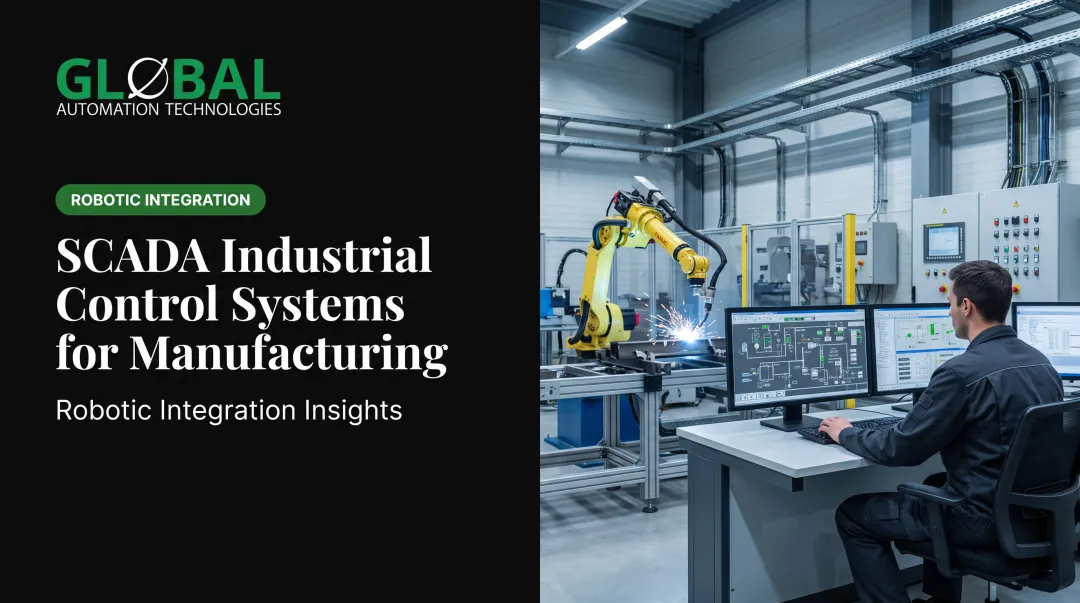
A PLC does the actual controlling. An HMI lets a person see and influence what that PLC is doing. SCADA sits above both, pulling data from multiple PLCs and HMIs so plant managers get a supervisory view across an entire operation, and sometimes across multiple facilities at once.
None of these layers replace the others. A robotic welding cell still needs a PLC to run the logic, an HMI so the operator can start cycles and clear faults, and often a SCADA connection so the plant floor manager can see that cell's status alongside every other line in the building.
Types and Real-World Examples of HMIs
HMIs come in several formats, chosen based on what the application demands:
- Basic panel-mounted displays: simple screens fixed to a single machine
- Advanced multi-touch touchscreens: full dashboards for complex processes
- Mobile and tablet HMIs: portable interfaces for line walks or remote checks
- Embedded HMIs: built into equipment like robot teach pendants
Real deployments show how these formats get used across industries:
- A water utility upgraded PLC and SCADA HMIs across 157 facilities serving 600,000+ residents, testing screens offline before on-site rollout.
- A food plant producing nearly 300 million pounds annually consolidated 250 HMI screens into one app, saving roughly $100,000 in chemical use.
- An automotive component maker used HMI production reporting to cut scrap by 30% and manual data requests by 90%.
When selecting an HMI, weigh three factors:
- Environment: heat, moisture, and chemical exposure on the plant floor
- IP rating: protection level needed to survive that environment
- Process complexity: how demanding the underlying process really is
A simple conveyor does not need the same interface as a six-axis robotic paint cell.
HMI in Robotic Automation: Powering the Factory Floor
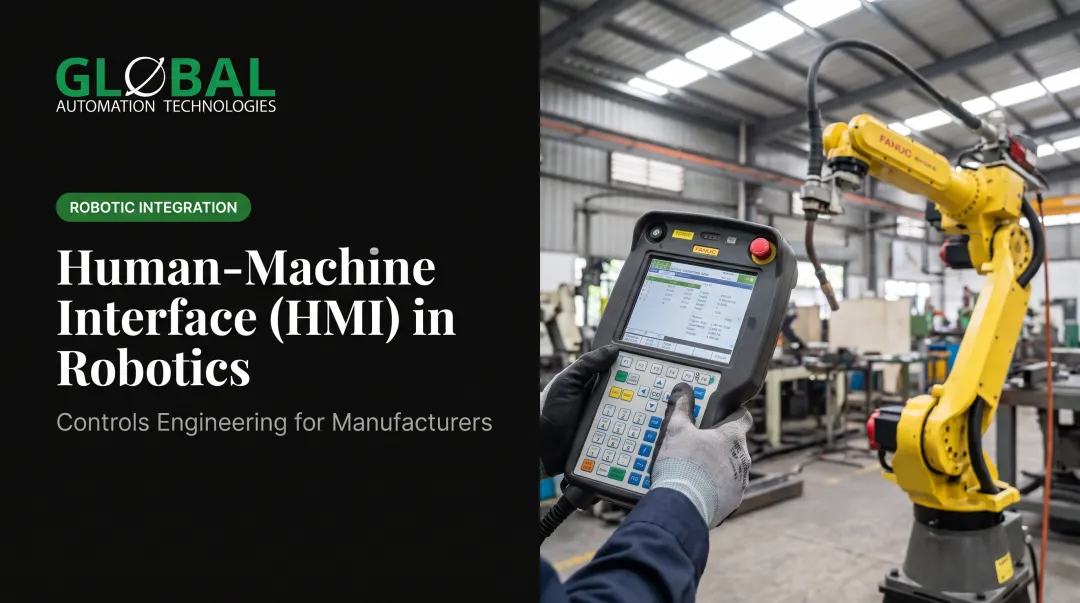
In a robotic cell, the HMI (usually a teach pendant) is the operator's primary point of control over the entire system. It's how they start and stop cycles, monitor real-time status, and respond to alarms before a small issue becomes a line stoppage.
At GLOBAL Automation Technologies, HMI integration runs through its core robotic applications:
- Machine tending cells, where the interface gives operators visibility into cycle status and helps track spindle utilization across multi-machine setups
- Robotic painting and coating systems, where the HMI supports process control tied to film-build repeatability and material usage
- Dispensing and sealing cells, where real-time bead and flow-monitoring data lets operators catch off-spec material before a part moves downstream
AI is changing what these interfaces can do. GLOBAL uses AI-assisted simulation to model and validate robot programs before they ever run on the shop floor, compressing programming timelines. On the maintenance side, AI-driven health assessments flag equipment issues early, giving teams a chance to intervene before an unplanned stop hits the schedule.
None of this gets bolted on after the fact. GLOBAL delivers HMI integration as part of a full turnkey scope:
- Layout and conceptual design built around the customer's actual part geometry and cycle-time requirements
- Engineering and simulation, including controls architecture and HMI programming
- Build and controls integration, where operator interfaces get programmed alongside the PLC and robot logic
- Commissioning and process validation, proving out the cell before handoff
- Installation at the customer's facility, with interfaces verified in the live production environment
- Operator training so the team can run and troubleshoot the system independently

As a Level 5 FANUC Authorized System Integrator, and #1 purchaser of FANUC robots among North American integrators in 2025, GLOBAL builds primarily on FANUC platforms.
FANUC's current tablet teach pendant weighs just 750 grams, roughly 40% lighter than its predecessor, and its touch panel resists electrical noise and stays operable with gloves on, according to FANUC's 2024 lightweight teach pendant specifications. That durability keeps the interface usable shift after shift on a demanding factory floor.
Frequently Asked Questions
What does a human-machine interface (HMI) do?
An HMI displays real-time machine and process data to an operator and lets them send commands back to the system. It's the two-way link between a person and the equipment they're monitoring or controlling.
How much does a human-machine interface (HMI) cost?
Cost varies widely based on screen size, complexity, and whether it's a standalone panel or part of a larger integrated robotic or SCADA system. Consult an integrator directly for an accurate quote based on your specific application.
What is the difference between HMI and SCADA?
An HMI is the visualization and interaction layer an operator uses at a machine or station level. SCADA is the broader system that collects, records, and controls data across multiple machines, lines, or entire sites.
What are examples of human-machine interfaces?
Common examples include:
- Touchscreen control panels
- Robot teach pendants
- Mobile or tablet-based dashboards
- Simple push-button panels with indicator lights
What's the difference between an HMI and a GUI?
A GUI (graphical user interface) is a design approach often used within an HMI, typically a touchscreen. Not all HMIs are graphical. A basic stack light is still considered an HMI even without a screen.
How is AI changing HMI technology in manufacturing?
AI enables predictive maintenance alerts, adaptive dashboards that adjust to operator needs, and faster diagnostics through the interface so teams can catch problems before downtime hits.